The VEED Alternative for AI Video Dubbing
VEED is an editor that also translates. Dubly does one thing: it dubs the people already in your footage — their own voice, lip-synced, processed in Germany.
 Book a demo
Instant results
VEED is an online video editor: cutting, recording, subtitles. Dubbing is one tool among a hundred, and VEED meters it by the year: 6 hours of AI dubbing a year on Pro, 12 on Studio. Dubly only dubs and sells the volume by the month, from 25 dubbing minutes at €69 on the annual plan up to 400. Pick VEED if you edit in the browser and dub under 30 minutes a month — it has a free tier, an editor and subtitles in 125+ languages. Pick Dubly if dubbing is the job: 96.4 against 81.3 in an independent lip sync benchmark, 40+ dubbing languages against 29, a separate cloned voice per speaker instead of one voice for all, a named person instead of an AI reply, processed in Germany.
















What VEED is built for
The fair version: what it does well, and who should buy it instead of us.
An editor first, a dubbing tool second
VEED is a video editor that runs in the browser. Around it: a screen recorder, a teleprompter, automatic subtitles, brand kits, AI characters and about a hundred small utilities. Nothing to install, nothing to export. For one marketer posting video every week, €22 a month buys a lot.
Translation is one of those tools, and a real one: VEED's page says it “preserves the speaker's voice across 29 languages” and that you “can even enable lipsync”. Subtitles reach 125+ languages. For a subtitled cutdown by Friday, VEED is faster and cheaper than we are.
But dubbing is one of a hundred things there, and VEED meters it by the year: 6 hours on Pro, 12 on Studio. We dub and nothing else. That shows up three times: 40+ dubbing languages against 29, 96.4 against 81.3 on the same footage, and a monthly list that runs on to 400 minutes. VEED's data pages are careful and we do not dispute them. Read the sub-processor list and the training clause before you sign. What that means in practice.
- Built for
- Browser editing, recording, subtitles, translation
- Languages
- 29+ languages & dialects
- Plans
- Creator: €22/mo · Pro: €47/mo per editor · caps at 30 min
- Free tier
- Yes — with a watermark on exports
- Data processing
- EU, on Google Cloud (Belgium)
Where an editor and a dubbing platform part company
Three rows go to VEED, one of them the price. The rest is why companies switch.
Dubly.AI
Translate one video free VEED
VEEDWhat a real month costs on each
Dubly bills credits: one credit is one minute of dubbing, lip sync two. VEED bills per editor. Both plans below cover the same month: 25 minutes of dubbing — the volume VEED's Pro plan actually carries. The same 25 minutes lip-synced are 50 credits, €169 a month. Our figures come from the pricing page.
Five product videos of five minutes — 25 minutes of dubbing a month, one person editing
- Monthly plan
- €89/mo€69/mo on the annual plan
- Pro
- €47/moincludes 30 minutes of dubbing a month
VEED meters AI dubbing by the year, not by the month. Its help centre lists the allowance per plan: “Free and Creator plan: Try once (One-time use) · Pro plan: 6 hours per year · Studio plan: 12 hours per year”. Six hours a year averages 30 minutes a month, so this example fits — and nothing much above it does: 150 minutes a month would be 30 hours a year, five times what Pro carries and two and a half times Studio, and the next step is an Enterprise quote. The 12 hr/mo on VEED's pricing page is Text to Speech, a different feature. Nothing rolls over either: “any unused minutes do not roll over”.
What the lower price does not include
- A named contact on every plan — a person, not an AI reply
- Video processed in Germany, on infrastructure we run ourselves
- An unconditional written promise that your footage never trains a model
- A processing agreement on any plan, and a security questionnaire answered whoever you are
- Lip sync that holds on movement, occlusion and several speakers — 96.4 against 81.3, with no beta label and no downscale to 1080p
- One cloned voice per speaker, the same one across a whole catalogue — VEED generates “a new voice clone … for each video”
- Volume above 30 minutes a month: our list runs on to 400, VEED's next step is an Enterprise quote
- Unlimited users: reviewers and extra editors cost nothing
- Purchase orders, invoice terms and vendor onboarding
VEED is cheaper for this month, and it stops just above it. Under 30 dubbing minutes a month, buy VEED: €47 an editor against our €89, roughly half. Above 30 there is nothing at VEED to buy — 150 minutes a month is 30 hours a year against Pro's 6 and Studio's 12, and the next step is an Enterprise quote. That boundary is the argument, before we get to 96.4 against 81.3, a separate cloned voice per speaker instead of one voice for all, and a processing agreement that does not need an enterprise contract.
Four clips where the difference is visible
VEED markets lipsync too. On the same footage it scores 81.3 against our 96.4, and their own help centre still calls it unfinished: “Whilst the feature is in BETA, lipsync increases processing time and will downsample your video to 1080p.” How the score is measured.
The translation comes back finished — and you can still change every line of it
Text, voice, timing and lip movement already work together when the video comes back. For the moments where that is not quite enough, the visual editor lays the translation out as a timeline: every spoken line is its own block, and you hear each change before it reaches the finished video.

The visual editor: the translated video as a timeline. Every spoken line is a block you can move, stretch, split or re-voice — with lip movement on its own track underneath.
Put a line exactly where it belongs
Drag a block until the sentence lands on the cut, or only starts once something appears on screen. Nothing snaps into place; only the neighbouring lines limit you.
Set the speaking pace
Pull a block by its edge, or set the pace with a slider. It only goes as far as the voice still sounds natural, and shows you how long the line runs as you drag.
Split, add, leave out
Divide a long block in two. Write a new line into a gap and have Dubly speak it in the same cloned voice. Or drop a passage the target market has no use for.
Lip movement per moment, not per video
A second track shows where lip movement applies. Switch it on where someone is speaking on camera, and leave it off over product shots and slides.
Rewrite one line and hear it back
Change the source text, the translation, the pace or the voice for a single line, regenerate it and listen right away — nothing else in the video moves.
Nothing ships until you approve it
Your finished video stays untouched while you work. Every step can be undone, and the bar at the bottom leaves two ways out: re-render, or discard.
When a single moment is off, the usual fix is to change the text and render the whole video again. Here you change the moment — its position, its pace, its voice, its lip movement — and the rest of the translation stays exactly as it was.
Four things VEED cannot give you
None of this is a knock on the editor. It starts the moment the footage is real and legal asks a question.
The no-training promise depends on the plan
VEED's terms license free-plan uploads to “train and develop any AI models that power our Applications”. Paid plans are carved out of that grant. So the promise depends on your plan, and the free one, where most teams test, is not covered. Ours is unconditional, on every plan. What that means in practice.
The servers are in the EU. Your video does not stay there.
VEED hosts on Google Cloud in Belgium, which is fine under the GDPR. To their credit, they publish every sub-processor with its region in their trust centre. Read that list before you sign, because the chain does not stop in Belgium. We process in Germany, on our own machines. What that means in practice.
The paperwork a German buyer needs starts at Enterprise
Their security page: “DPAs are available for Enterprise plan customers.” The same page says security questionnaires are answered only for Enterprise buyers. A German company needs an Auftragsverarbeitungsvertrag under Art. 28 GDPR before the first employee video goes up. We send one on any plan, and answer the questionnaire whoever is asking.
Every editor is another full subscription
VEED's own pricing FAQ: “the amount of the plan is multiplied by the number of editors in your workspace.” Four editors on Pro is four times €47, so €188 a month — an assumption the example above deliberately does not make, because there one person is working. And what the plan includes expires with the cycle: “any unused minutes do not roll over”. Here an extra user costs nothing, and credits you buy once stay yours.
Four things you get here and nowhere else
96.4 lip sync score
Against 81.3 for VEED — 1,000 test clips on the same footage, judged blind by real viewers in an independent benchmark.
Processed in Germany
A German company, German servers, our own infrastructure, no third country in the pipeline. Our infrastructure has passed a TÜV SÜD penetration test.
A person, not an AI reply
A named contact on every plan, from the first euro — someone who knows your material and answers in German or English.
Never trains a model
Your footage is processed and returned. It is not training data, on any plan, and that is in writing.
Switching, without the part everyone dreads
No migration project. Just a person who makes sure the first ten videos come out right.
A named person, not a chat widget
One contact who stays with you through the changeover and knows your material.
A test run on your own footage
Upload a video you already translated in VEED and hold the two side by side.
Support for larger volumes
Back catalogues, bulk processing and API access, plus help planning the changeover.
Procurement on your terms
Purchase orders, invoice terms, vendor onboarding and a processing agreement — on any plan.
There is nothing to migrate. Videos are processed fresh either way, so you upload the same source files. What does not come with you is the editor: if you record, cut and caption in VEED, keep it for that. We only do the dubbing, and we do it better.
So which one should you buy?
VEED is the better choice if you…
- Want one subscription that edits, records, subtitles and publishes
- Need subtitles in the long tail: 125+ languages against our 40+
- Want a permanent free tier: VEED has one, ours is one test video
- Dub under 30 minutes a month — that is what Pro carries, 6 hours a year
- Shoot short, head-on clips where the sync only has to be close
- Are one person on a budget: €22 a month buys a lot of tool
Dubly is the better choice if you…
- Have real footage of real people who should keep their own voice
- Need lip sync that holds when they move: 96.4 against 81.3
- Dub into more languages: 40+ against VEED's 29
- Want a person on the other end: a named contact, not an AI reply
- Have to say where the video is processed — ours stays in Germany
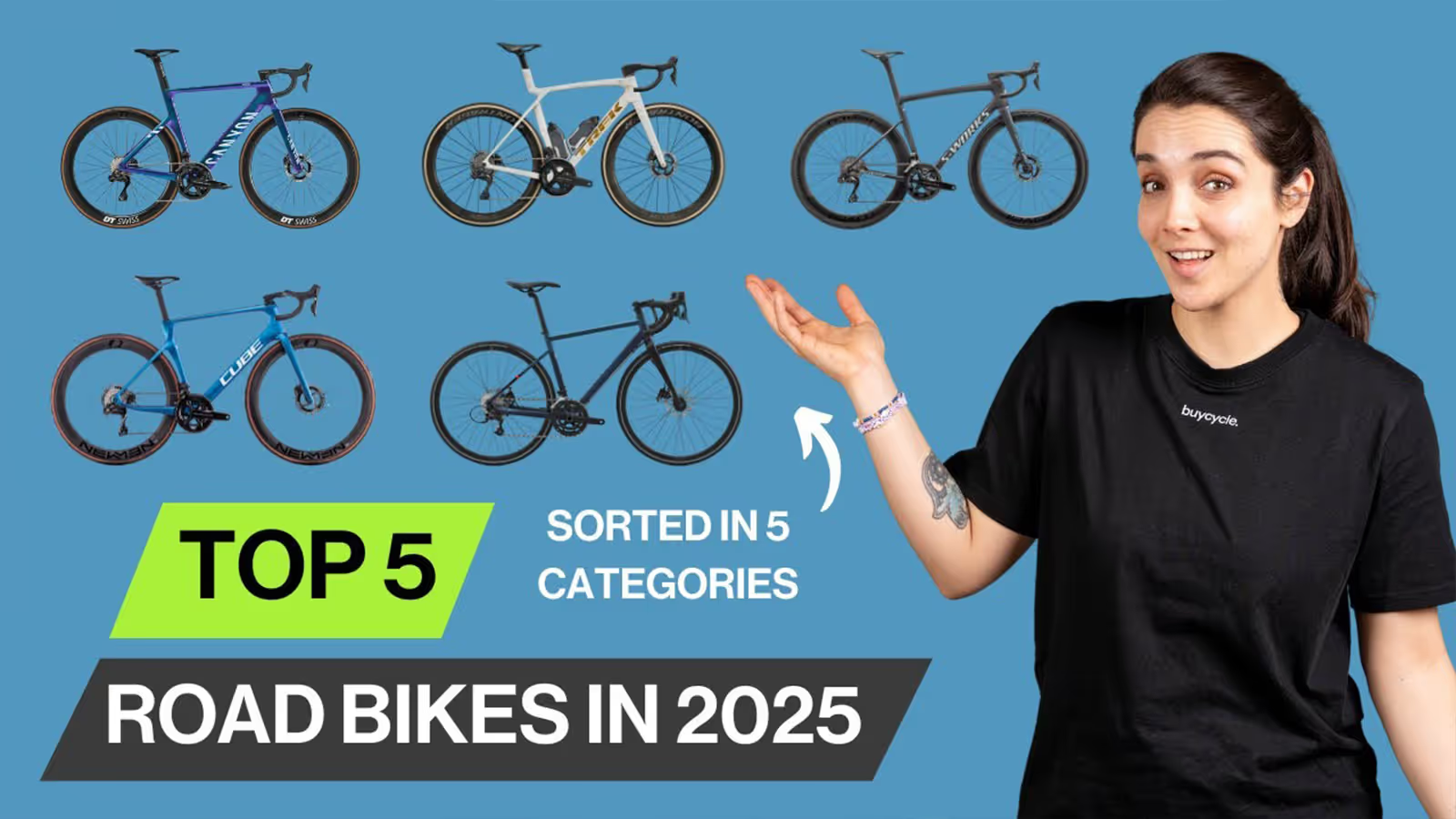
Buycycle runs five YouTube channels from a single recording
“We used to produce every language version separately in a studio — now one recording is all it takes to run five channels worldwide. Thanks to Dubly, we save massively on time and cost — and still sound like ourselves in every language.”
 Nicholas NefdtHead of content, Buycycle
- Cost saving
- >80%
- Cost saving
- YouTube channels automated
- 5
- YouTube channels automated
- Additional language versions
- 4
- Additional language versions
Book a demoInstant results
Questions people ask before switching
Including the ones where the answer is not in our favour.
What each was built to do. VEED is an online video editor with about a hundred tools; translation is one of them. Dubly only dubs. If your job is making video, buy VEED. If it is putting a library you own into other languages, Dubly is better.
Dubly: 96.4 against VEED's 81.3 in an independent lip sync benchmark, 1,000 clips on the same footage. VEED offers lipsync as a switch you can enable, and its own help centre still calls it beta: “Whilst the feature is in BETA, lipsync increases processing time and will downsample your video to 1080p.” We regenerate the mouth frame by frame on every job, which is what holds when the speaker moves. The clips above are the evidence.
Yes, in both tools. VEED says it "preserves the speaker's voice across 29 languages". Dubly clones the voice as standard, so your CEO sounds like your CEO in Spanish. The difference is how that voice lines up with the face over a long video.
In Dubly, yes, and in one pass: each speaker keeps their own cloned voice and their own sync. VEED publishes the opposite in its own help centre: “At present, the same voice is used for all speakers in the dubbed video.” For a panel, an interview or a two-person explainer that is a hard limit, not a setting.

Got any questions left?
We’d be happy to give you a personal demo of Dubly.AI and discuss your specific use cases.
Last checked: 02 September 2026
The figures for VEED come from their own public pricing, product and policy pages. Ours come from the price list on our pricing page, and the lip sync score from an independent benchmark across 1,000 test clips.