AI Lip Sync
June 11, 2026
Multi-Speaker Lip Sync: How AI Handles Multiple Faces in One Video
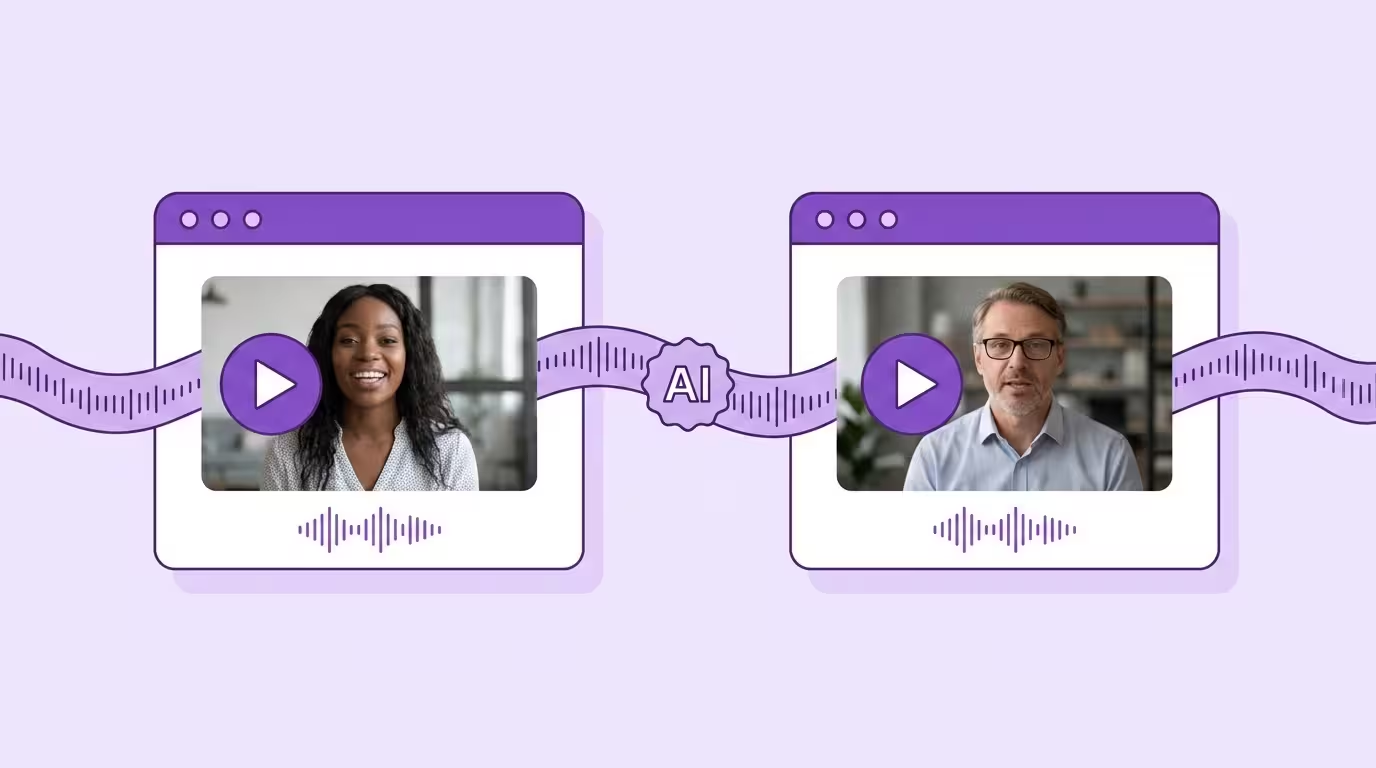
Most professional video has more than one person talking. Interviews. Panel discussions. Training dialogs with instructor and student. CEO and CFO presenting together. Two hosts on a YouTube channel. This is normal video content.
And it's where most lip sync tools break.
They handle one face. One speaker, centered, looking at the camera. The demo video looks great. Then you upload an interview with two people and the tool either processes one face and ignores the other, requires you to run it twice, or produces artifacts where the two faces interfere with each other.
Multi-speaker lip sync solves this by detecting and processing every face in the frame independently — simultaneously, in one pass. It's the feature that separates demo-ready tools from production-ready ones.
Key Takeaways
- Most professional video has multiple speakers — single-face lip sync covers only a fraction of real content
- Multi-speaker lip sync requires persistent identity tracking, not per-frame face detection
- Each speaker needs independent processing — their own audio mapped to their own face
- Cross-face occlusion (speakers overlapping) is where most tools fail and Lip Sync 2.0 differentiates
- Test with real interviews, not staged demos — that's where the quality difference becomes obvious
Why Multi-Speaker Is Hard
Single-speaker lip sync is already complex — audio analysis, face mapping, frame generation, temporal smoothing. Multi-speaker multiplies every problem.
Identity tracking The AI needs to know which face is which across every frame of video. When one person turns and their face overlaps with another's, the system can't confuse them. When the camera cuts and someone is now on the left instead of the right, identity must persist.
Independent audio and voice mapping Each person says different dialogue at different times. The lip sync for Person A needs to follow Person A's voice. Person B gets Person B's audio. If only one person is talking, the other's mouth movements should look naturally closed — not lip syncing to words they're not saying.
Processing complexity Processing time increases with more faces, but not linearly — the overhead comes from face tracking and identity maintenance, not from duplicating the entire pipeline per face. Most tools that handle one face at high quality still produce noticeably worse results when a second face enters the frame.
Occlusion between participants People stand near each other. They lean. They gesture. One person's hand crosses in front of another's face. Someone walks behind someone else. The AI needs to maintain lip sync for partially obscured faces — and know which face is behind the obstruction.
How Lip Sync 2.0 Handles Multi-Speaker
We built multi-speaker handling as a core capability, not a bolt-on feature. Here's what that means in practice:
Multi-Speaker Demo
Persistent Identity Tracking
Lip Sync 2.0 assigns a persistent identity to each face when it first appears. That identity stays locked across the entire video — through camera cuts, through angle changes, through temporary disappearances.
Person A at timestamp 0:10 is the same Person A at timestamp 2:30, even if the camera angle changed three times, the face left the video frame once, and the lighting shifted. The AI doesn't re-detect and re-assign. It tracks continuously across the entire video.
This is fundamentally different from tools that detect faces per frame. Per-frame detection can't guarantee identity consistency. Our persistent tracking can.
Independent Processing Per Face
Each face gets its own AI lip sync pipeline. Person A's voice and dialogue gets mapped to Person A's face. Person B's voice gets mapped to Person B's face. The two lip syncing processes run simultaneously in the video but don't interfere with each other.
When one person is silent, their face shows natural at-rest mouth movements — not frozen, not generating phantom words. The AI knows who's talking and who's listening.
Cross-Face Occlusion Handling
When one person's hand crosses in front of another's face in the video, the AI doesn't panic. It predicts what the obscured mouth movements should look like — based on the voice audio, the person's typical lip behavior, and the surrounding visible face area.
When someone moves behind another person, the AI maintains their lip syncing using predictive generation until they become visible again. No artifacts. No frozen frames. No identity confusion in the video.
Translate Your First Video
Results in just a few minutes
No credit card required
Best translation quality worldwide

Real-World Multi-Speaker Scenarios
Interviews (Two Speakers)
The most common multi-speaker format. Interviewer and interviewee, alternating speech with occasional overlap. Clean turn-taking makes this the easiest multi-speaker scenario — and the one where even basic tools sometimes succeed.
Where Lip Sync 2.0 differentiates: handling the moments where both people react simultaneously. The interviewer nods and makes affirming sounds while the interviewee's voice delivers the dialogue. Both faces need natural lip movements in the video. Both need accurate lip syncing relative to their voice and audio contribution. This works across multiple languages — the same interview dubbed into Spanish, Japanese, or Portuguese maintains natural multi-speaker lip sync in each version.
Panel Discussions (Three to Five Speakers)
Significantly harder. Multiple faces in frame, some partially obscured by others. Quick speaker transitions. Audience reactions. Cameras cutting between wide shots and close-ups.
Most AI lip sync tools fail here entirely. Lip Sync 2.0 handles it because persistent identity tracking maintains each person through camera transitions in the video, and independent lip syncing ensures that a quick switch between participants doesn't produce visual artifacts on any face.
Training Dialogs (Instructor + Participants)
An instructor at a whiteboard with two trainees asking questions. The instructor moves constantly — writing, pointing, turning. The trainees sit at angles. Classic training video setup, extremely common in corporate e-learning.
The challenge: the instructor's face appears at varying angles throughout, sometimes partially obscured by the whiteboard marker or their own gesturing hand. Lip Sync 2.0's dynamic head pose tracking handles the movement, while occlusion handling deals with the self-obstruction.
YouTube Co-Hosted Content
Two hosts sitting side by side, energetic, talking over each other, reacting, laughing. This is some of the hardest video content for AI lip sync because the energy means constant movement, frequent dialogue overlap, and emotional range in their voices that pushes beyond calm conversation.
Lip Sync 2.0's persistent tracking handles the constant movement in the video. Independent lip syncing handles the overlapping dialogue and voice. And the emotional depth preservation ensures that laughter looks like laughter in every lip sync video — not like a glitch.
What to Ask When Evaluating Multi-Speaker Lip Sync
Not every tool that claims "multi-speaker support" actually delivers it. Here's how to test:
Upload a real interview
Not a staged demo. A real conversation with two people who move, react, and occasionally talk over each other. Watch the output carefully — do both faces look natural throughout?
Check identity consistency
Does Person A's face look the same before and after a camera cut in the video? Does the AI confuse the two people at any point?
Look for frozen faces
When only one person is speaking, does the other person's face look natural? Or does it freeze or produce phantom mouth movements?
Test with partial occlusion
Have the speakers sit close enough that occasional overlap occurs. Does the tool handle it, or does it produce artifacts?
Measure processing time
Does adding a second speaker double the processing time? Triple it? Good tools maintain reasonable processing times regardless of speaker count.
Multi-speaker lip sync is closely related to handling dynamic head movement — speakers in panels and interviews don't sit still: Lip Sync for Moving Faces. And the audio side of multi-speaker video requires proper AI dubbing with speaker diarization: AI Dubbing.
Poor localization measurably reduces viewer retention — and multi-speaker content with mismatched lip movements is the worst offender.
Explore Lip Sync 2.0: Full feature breakdown
Conclusion
Multi-speaker lip sync is where most tools drop the pretense of being production-ready. One face, frontal, static — sure. Two faces that move and occasionally overlap? That requires engineering that most vendors haven't done.
Persistent identity tracking. Independent per-face processing. Cross-face occlusion handling. Dynamic head pose adaptation per speaker. These aren't luxury features. They're requirements for using lip sync on real professional video content — which almost always has more than one person.
Back to the complete guide: AI Lip Sync
Translate Your First Video
Results in just a few minutes
No credit card required
Best translation quality worldwide
About the author

Maximilian Engler
Co-Founder | Product