Tech
AI Lip Sync Explained: Stop Asynchronous Lips in Video Translations
Asynchronous videos look unprofessional. Learn how AI Lip Sync and Visual Dubbing perfect your translations – GDPR compliant and scalable.

Simon Pieren
Dec 23, 2025
Full Data Sovereignty
Personal point of contact
Highest Quality Lip Sync
Trusted by 1,200+ Companies
Use Cases
September 12, 2025
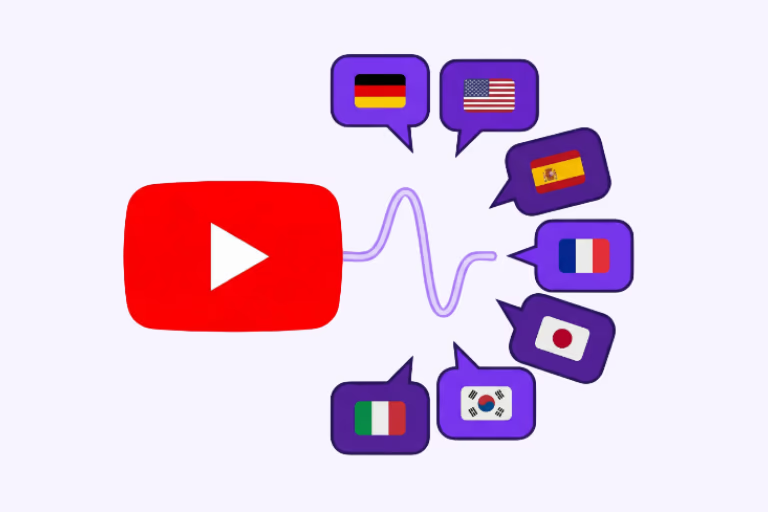
The three most effective ways to translate YouTube videos are AI dubbing with lip sync, YouTube Multi-Language Audio tracks, and professional studio dubbing. Each method serves a different budget, quality level, and scale — and choosing the right one determines whether your international audience actually stays.
With 2.7 billion monthly users and over 80 % of watch time coming from outside the United States, YouTube is a global platform by default. But most creators and brands still publish in just one language — leaving millions of potential viewers behind. This guide breaks down every translation method, compares costs and quality, and shows you how to go multilingual with Dubly.AI.
YouTube's algorithm in 2026 gives more weight to localized engagement signals. Watch time, comments, and click-through rates from specific regions directly impact how often your video gets recommended in those markets. Translating your videos isn't just about accessibility — it's a growth lever.
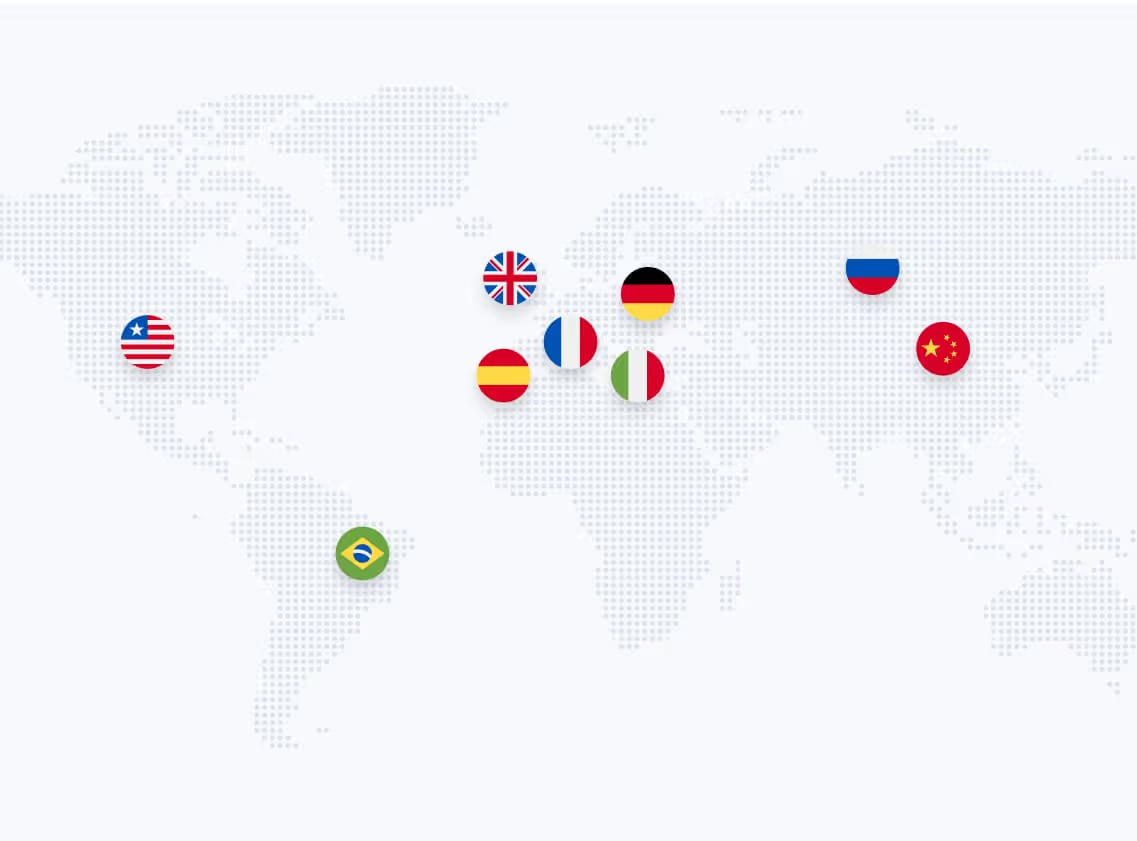
The numbers speak for themselves: YouTube has 2.7 billion monthly active users across 100+ countries (Statista, 2025). India alone accounts for 500 million users, Brazil 147 million, and Germany over 70 million. English-language content represents just 39 % of all videos on the platform — yet most creators still don't localize.
Whether you're an educator, software brand, or content creator: going multilingual means more views, longer watch time, stronger engagement, and a significantly larger subscriber base.
Case in point: Liebscher & Bracht, one of Germany's largest health YouTube channels, translated their content into 8 languages with Dubly.AI — and generated over 43.8 million additional views on their international channels.
Before choosing a translation method, you need to decide how to publish your multilingual content on YouTube. There are three proven strategies.
YouTube Multi-Language Audio — a feature that lets you upload multiple audio tracks to a single video — is the most efficient publishing strategy for most creators. Viewers switch languages directly in the player, and all views, likes, and comments stay consolidated on one video.
With Dubly.AI, you export the translated audio as a separate file and upload it in YouTube Studio under "Languages." No second video needed. Learn more about how MLA works in our detailed guide to YouTube Multi-Language Audio.
For brands with large content libraries or region-specific strategies, dedicated language channels can make sense. This gives you full control over thumbnails, metadata, SEO, and community management per market. Agencies and media companies often choose this route for maximum localization depth.
Even without dubbing, translating your video titles, descriptions, and tags into target languages improves discoverability. YouTube indexes localized metadata and surfaces your content in local search results — a fast, low-effort SEO win.
Not all translation methods deliver the same quality. Here's what you need to know about each option.
Adding translated subtitles is the simplest and cheapest approach. It works for quick tutorials or content where the visual element carries most of the message.
However, subtitles create a passive viewing experience. Viewers must read constantly, which reduces engagement — especially on mobile, where 90 % of YouTube consumption happens. For high-value content like marketing videos, product demos, or educational material, subtitles alone won't cut it.
The classic method: translate the script, hire native voice actors, record in a studio, sync to video, and edit. The result can be excellent — if the budget allows.
Professional studio dubbing typically costs €150–400 per finished minute (VDS Gagenkompass). A 10-minute video in three languages can easily exceed €10,000. Production timelines range from weeks to months, making this impractical for creators who publish frequently.
Dubly.AI translates YouTube videos automatically using Voice Cloning — a technology that reproduces the speaker's original voice in the target language, preserving tone, emotion, and emphasis — combined with Generative Lip Sync, which adapts mouth movements frame-by-frame to match the translated audio.
The result sounds natural, looks authentic, and takes minutes instead of weeks. You keep full editing control, can use custom glossaries for brand terminology, and optionally invite your own native speakers as reviewers for quality assurance. Audio exports work directly with YouTube's MLA feature.
Check our pricing page for current plans.
| Comparison Factor | Subtitles | Studio Dubbing | Dubly.AI |
|---|---|---|---|
| Quality | Text overlay only — no audio | High (if budget allows) | Natural AI voices + Lip Sync |
| Cost per Minute | €5–20 | €150–400 | Starting at a fraction of studio costs |
| Turnaround | Hours | Weeks to months | Minutes per language |
| Scalability | High | Very limited | Unlimited — bulk + API available |
| Data Privacy | Varies | Varies | 100 % GDPR-compliant, EU servers |
Dubly.AI is ideal for tutorials, product demos, interviews, webinars, educational content, corporate videos, and social media clips. Essentially any content with clear speech benefits from AI dubbing.
Less suitable: music videos, content without spoken dialogue, or highly theatrical performances where every vocal nuance requires manual direction.
For creators specifically, explore our solutions page for content creators.
Results in just a few minutes
No credit card required
Best translation quality worldwide
Dubly.AI follows a simple 4-step workflow:
You can test the full workflow — including Voice Cloning and Lip Sync — with 1 free minute, no credit card required.
YouTube gives you the platform — 2.7 billion users, 100+ countries, built-in Multi-Language Audio. But the platform alone doesn't translate your content. Choosing the right method and tool determines whether your international viewers get a professional experience or a compromise.
For creators and businesses who want quality, speed, and data protection in one solution, Dubly.AI delivers: natural-sounding voices, frame-by-frame lip sync, full editing control, and GDPR-compliant processing on European servers. Start with 1 free minute and hear the difference yourself.
Key Takeaways:
About the author

Simon Pieren
Co-Founder | Marketing & Sales
Tech
Asynchronous videos look unprofessional. Learn how AI Lip Sync and Visual Dubbing perfect your translations – GDPR compliant and scalable.
Simon Pieren
Dec 23, 2025
Use Cases
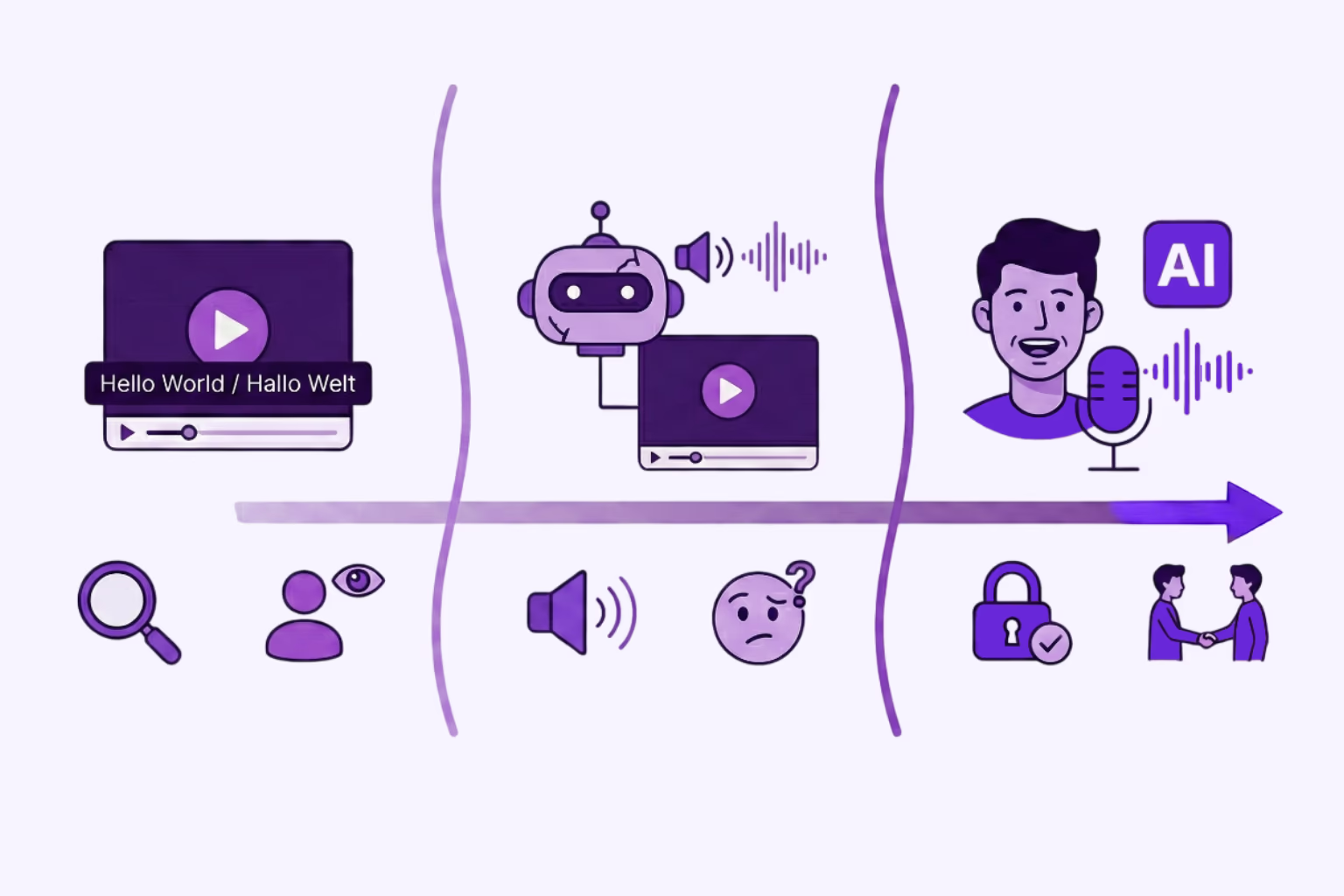
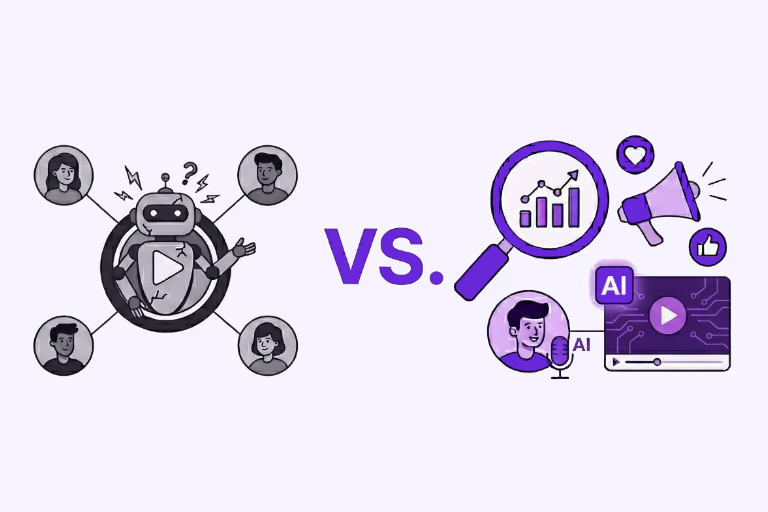
Looking for an AI video translator? We answer how to translate video free using 3 methods: Subtitles, Basic TTS, and Professional Lipsync.
Simon Pieren
Dec 8, 2025
Use Cases
Looking to "translate video free"? Learn the technical differences between standard dubbing and generative AI Lip Sync, and how to test professional quality risk-free.
Simon Pieren
Nov 28, 2025