Tech
AI Lip Sync Explained: Stop Asynchronous Lips in Video Translations
Asynchronous videos look unprofessional. Learn how AI Lip Sync and Visual Dubbing perfect your translations – GDPR compliant and scalable.

Simon Pieren
Dec 23, 2025
Full Data Sovereignty
Personal point of contact
Highest Quality Lip Sync
Trusted by 1,200+ Companies
Use Cases
September 12, 2025
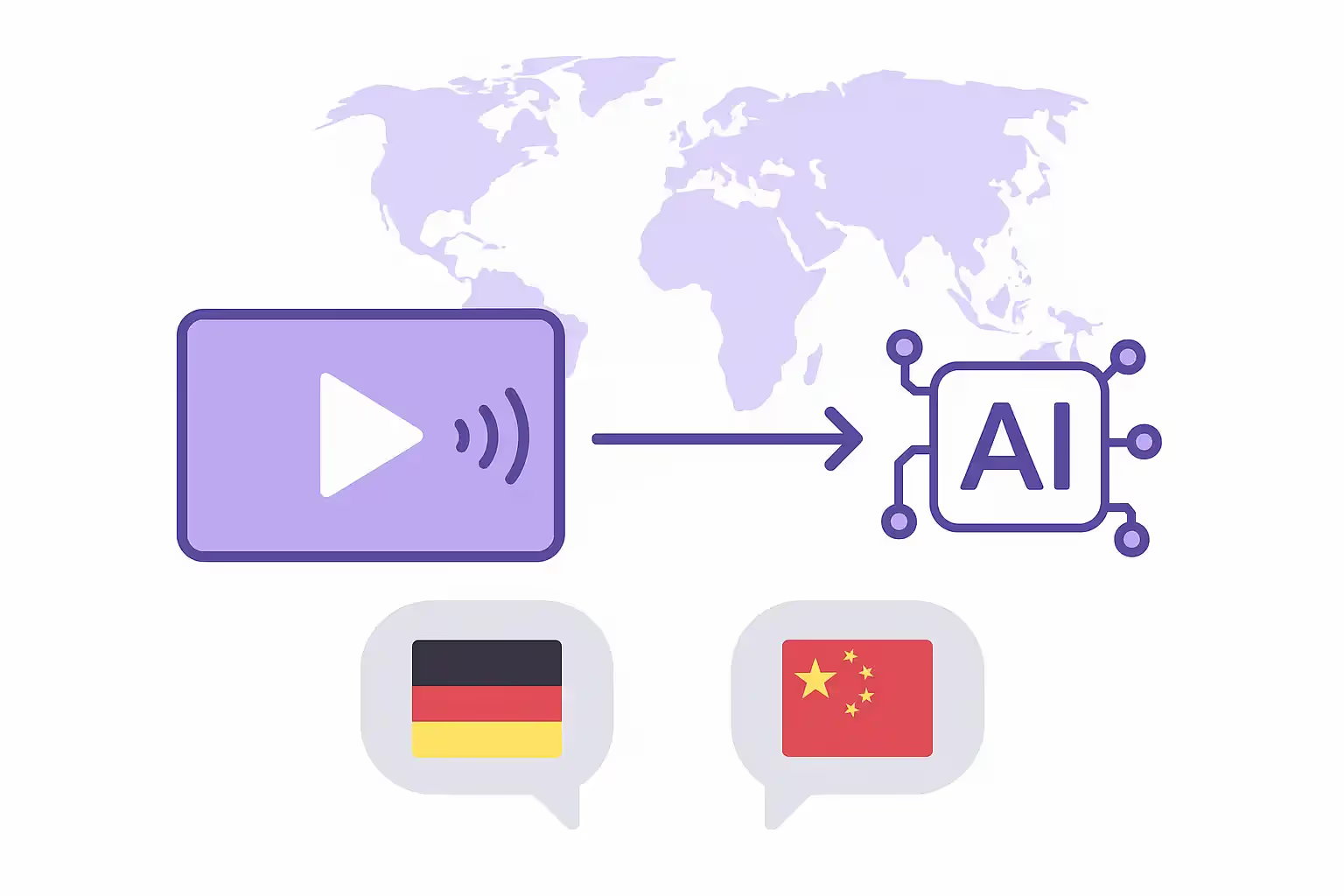
Translating a video means converting its spoken content into another language — using subtitles, professional dubbing, or AI-powered voice cloning with lip sync. Whether you're a marketer localizing ad campaigns, a creator expanding to international audiences, or an L&D team rolling out multilingual training, AI tools like Dubly.AI now let you translate videos in minutes instead of weeks — without studios, voice actors, or manual editing. Here's exactly how it works, step by step.
Video translation is the process of adapting a video's spoken audio into one or more target languages. There are three main methods:
Subtitles display translated text on screen while keeping the original audio. They're affordable and fast, but require viewers to read along — which reduces engagement by up to 40% compared to native-language audio.
Traditional dubbing replaces the original voice track with a professional voice actor in the target language. It delivers high quality but is slow (2–4 weeks per language), expensive, and difficult to scale.
AI-powered video translation combines automatic speech recognition, machine translation, Voice Cloning — a technology that replicates the original speaker's voice in the target language — and Generative Lip Sync, which adjusts mouth movements frame by frame to match the translated audio. This method offers studio-level results in minutes, at a fraction of the cost.
The demand for multilingual video content is growing rapidly. The global AI video translation market reached $2.68 billion in 2024 and is projected to grow at a CAGR of 28.7% through 2034 (Source: Market.us, 2025).
The reasons are clear: over 1.2 million new videos are uploaded to YouTube every day, and platforms like TikTok, LinkedIn, and Instagram reward content that reaches diverse audiences. Creators who add dubbed audio tracks to their YouTube videos see 25%+ of their watch time coming from non-primary language viewers.
For businesses, the equation is even more compelling. A single product demo translated into five languages can multiply your addressable market without producing any new content. E-learning platforms report a 40% increase in localization needs as remote education expands worldwide.
Here's the complete workflow using an AI platform like Dubly.AI:
Upload your video file (MP4 or MOV, up to 4K resolution, max 5 GB). Clear audio without heavy background music delivers the best results. No minimum or maximum length — Dubly.AI handles everything from 30-second reels to hour-long webinars.
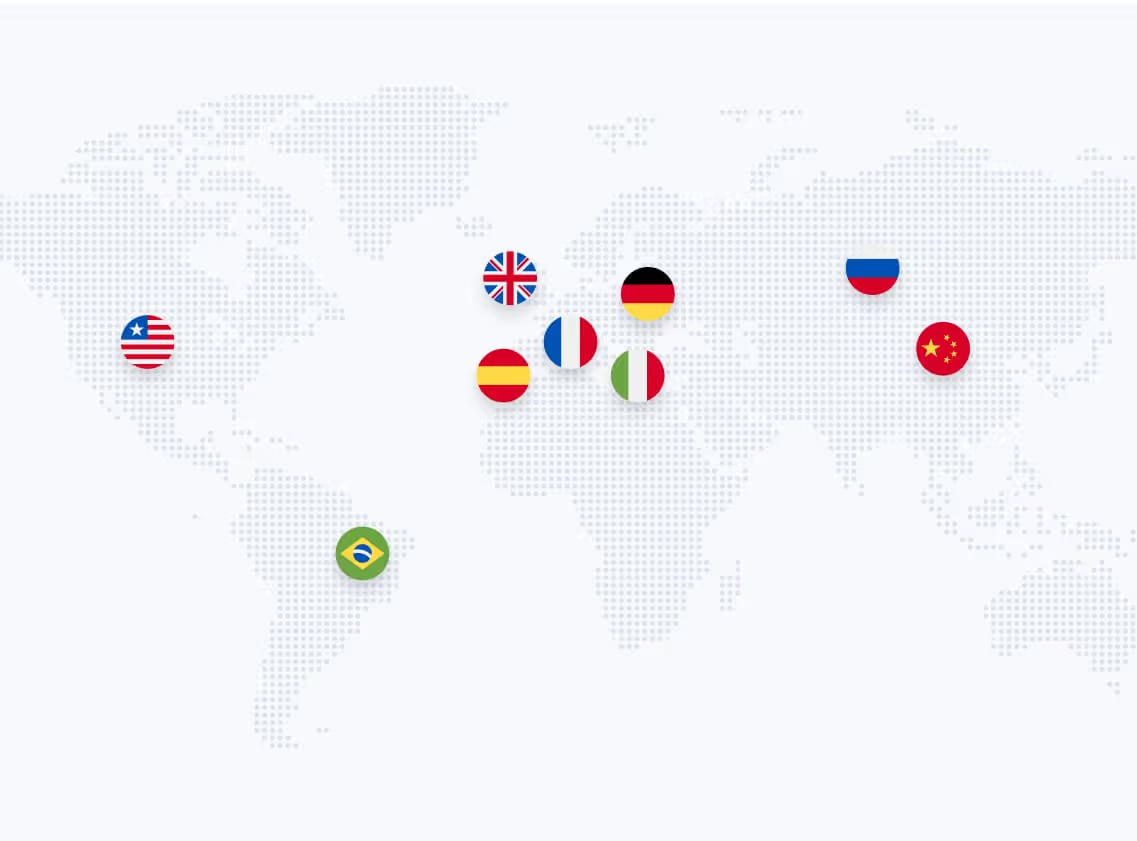
Select one or more of 32+ supported languages. You can translate into multiple languages simultaneously — the platform processes them in parallel. Popular combinations include German → English, English → Spanish, and English → French.
Fine-tune the translation before it starts:
The AI analyzes the full video — not line by line, but in context. It understands sentence structure, tone, and flow to generate natural-sounding translations. The result is a new voice track that sounds like a native speaker, not a robotic text-to-speech output.
You can also choose to preserve the original speaker's voice through Voice Cloning — the speaker's tone, emotion, and cadence carry over into the target language.
Preview the translated version before finalizing. Every word is editable — swap out a phrase, adjust terminology, or refine the tone. If you want an extra layer of quality assurance, invite a native speaker as an external reviewer: they review and polish the output in the editor, without using a seat.
Unlimited revisions are included. No additional charges for edits.
Once the translation is approved, Generative Lip Sync adjusts the speaker's mouth movements frame by frame to match the new audio. The system analyzes the original lip movements, the translated audio's pronunciation and rhythm, and the camera angle — then modifies only the lips, leaving the rest of the face untouched.
The result: the speaker appears to actually speak the target language. This works up to 4K resolution and even in challenging scenarios like side angles, close-ups, or fast dialogue.
Download your final video in the original resolution and framerate. Output formats include MP4, WAV (audio only), SRT (subtitles), and ProRes for professional workflows. No watermark. Publish directly to YouTube, LinkedIn, your website, LMS, or internal platforms — no additional editing required.
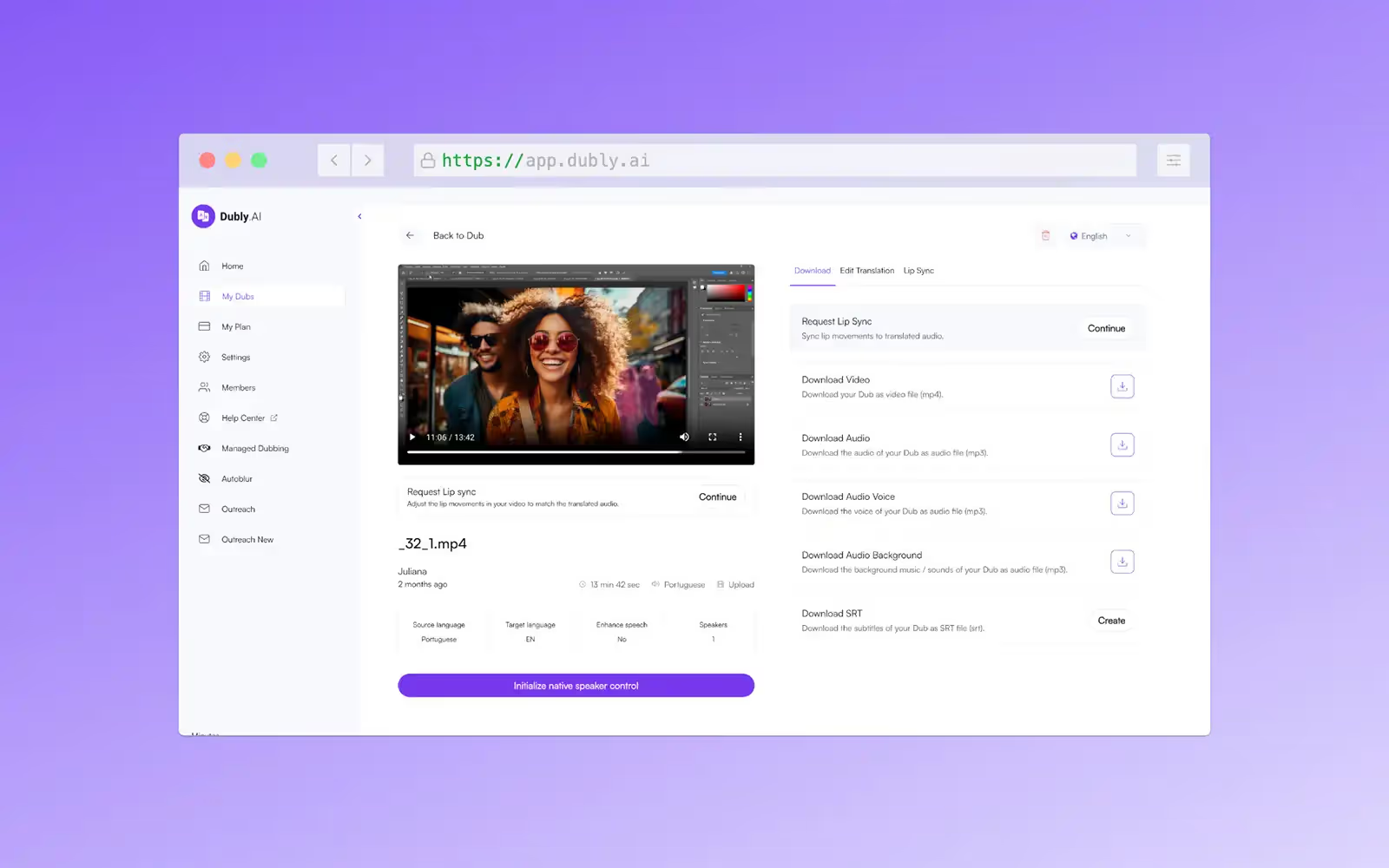
AI video translation works for virtually any video with clear spoken audio. The most common use cases:
Marketing videos — Localize ads, product demos, and brand campaigns for international markets. One video, multiple languages, consistent brand voice. Learn more about marketing use cases.
E-learning and training — Translate onboarding videos, compliance training, and course content for global teams. Native-language learning improves knowledge retention significantly.
YouTube and social media — Grow your subscriber base internationally. Creator Marius Quast achieved +590% international reach by translating his content into 9 languages with Dubly.AI.
Corporate communication — CEO messages, town halls, and internal updates in every language your team speaks.
Webinars and interviews — Repurpose thought leadership content for global audiences without re-recording.
| Comparison Factor | Traditional Studio | Dubly.AI |
|---|---|---|
| Speed | 2–4 weeks per language | 10–20 minutes per language |
| Cost | $1,000–5,000+ per video per language | Fraction of studio cost, per-minute pricing |
| Voice quality | Professional voice actors (generic voice) | Voice Cloning preserves the original speaker |
| Lip sync | Manual, expensive, rarely done | Generative Lip Sync, frame-by-frame, up to 4K |
| Scalability | One video at a time | Bulk processing, API integration, 32+ languages |
| Editing | Requires re-recording | Unlimited edits, no extra cost |
| Data privacy | Varies by provider | GDPR-compliant, EU servers, no AI training with customer data |
Results in just a few minutes
No credit card required
Best translation quality worldwide
Not all AI translation tools deliver the same quality. When evaluating platforms, look for these criteria:
Lip sync quality. Lip sync is binary — it's either convincing or it's not. Many tools offer lip sync as a feature label but deliver visible artifacts or uncanny results. Ask for samples before committing.
Voice cloning fidelity. Does the translated version actually sound like the original speaker? Or does it use a generic AI voice? Authentic voice preservation builds trust with your audience.
Editing capabilities. Can you edit the translation after it's generated? Tools that lock you into the first output create quality risks. Dubly.AI offers unlimited revisions and full transcript editing.
Data privacy. If you're translating corporate or sensitive content, verify where your data is processed. Dubly.AI processes all data on EU servers, is GDPR-compliant, TÜV-certified, and never uses customer uploads for AI training.
Pricing transparency. Compare per-minute pricing across providers. Check what's included — some tools charge extra for lip sync, voice cloning, or additional languages. See Dubly.AI's pricing model for a transparent breakdown.
Translating a video used to mean weeks of coordination, thousands in budget, and compromises on quality. Today, AI-powered platforms handle the entire process — from transcription and translation to voice cloning and lip sync — in minutes.
The 7-step workflow is simple: upload your video, choose your target languages, configure settings, translate, review, generate lip sync, and publish. No studio. No voice actors. No manual editing.
With 330+ companies already using Dubly.AI — including BMW, Axel Springer, and Charité — the technology is proven at enterprise scale. And with a free 1-minute trial (no credit card required), you can test every feature including lip sync and voice cloning before committing.
Key Takeaways:
About the author

Simon Pieren
Co-Founder | Marketing & Sales
Tech
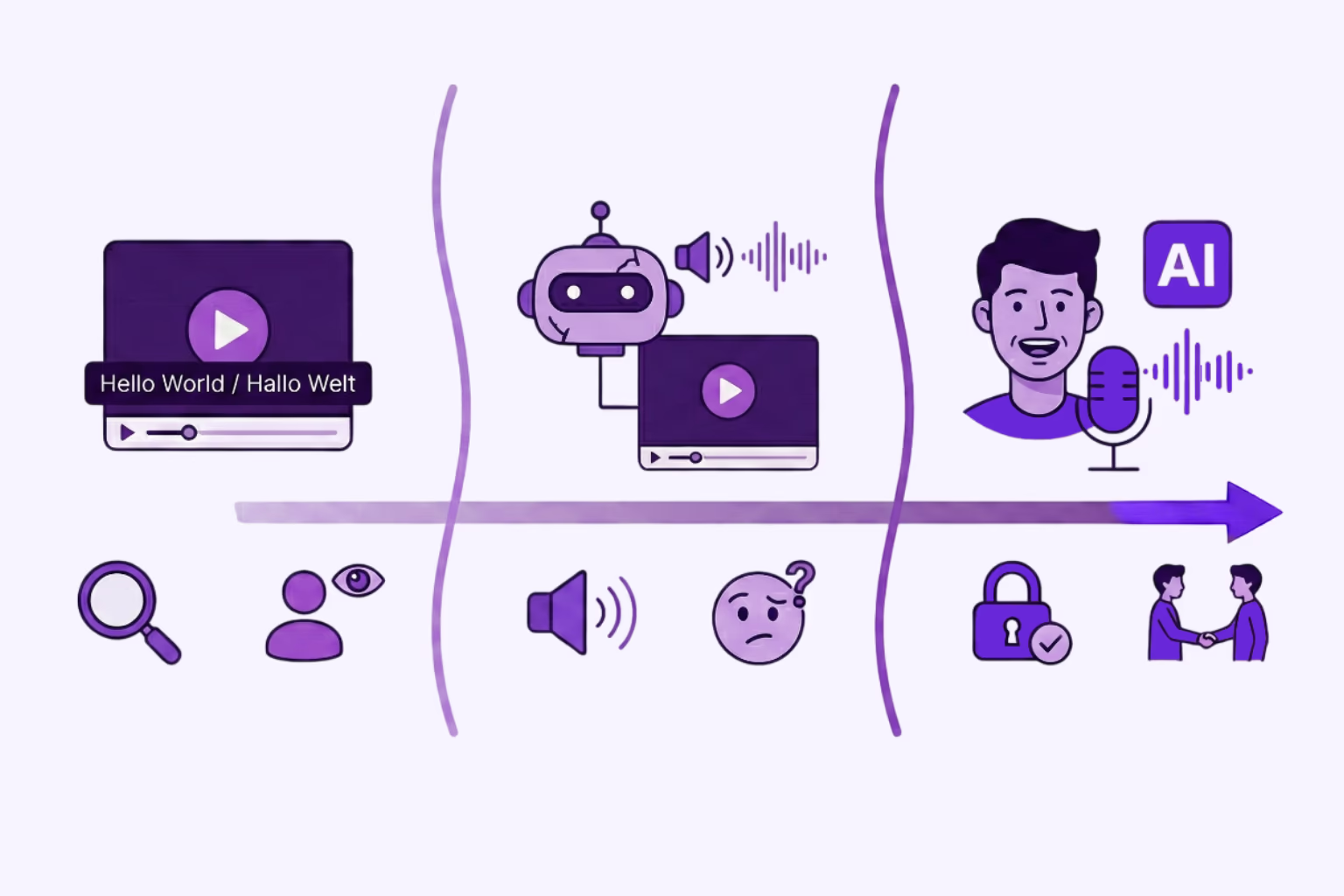
Asynchronous videos look unprofessional. Learn how AI Lip Sync and Visual Dubbing perfect your translations – GDPR compliant and scalable.
Simon Pieren
Dec 23, 2025
Use Cases
Looking for an AI video translator? We answer how to translate video free using 3 methods: Subtitles, Basic TTS, and Professional Lipsync.
Simon Pieren
Dec 8, 2025
Use Cases
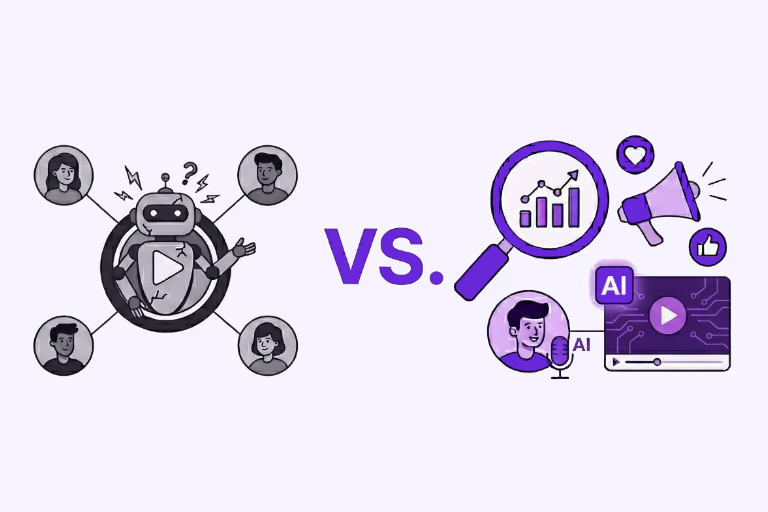
Looking to "translate video free"? Learn the technical differences between standard dubbing and generative AI Lip Sync, and how to test professional quality risk-free.
Simon Pieren
Nov 28, 2025