Tech
AI Lip Sync Explained: Stop Asynchronous Lips in Video Translations
Asynchronous videos look unprofessional. Learn how AI Lip Sync and Visual Dubbing perfect your translations – GDPR compliant and scalable.

Simon Pieren
Dec 23, 2025
Full Data Sovereignty
Personal point of contact
Highest Quality Lip Sync
Trusted by 1,200+ Companies
Tech
September 12, 2025
If you want to make your videos accessible to international audiences, one question always comes up:
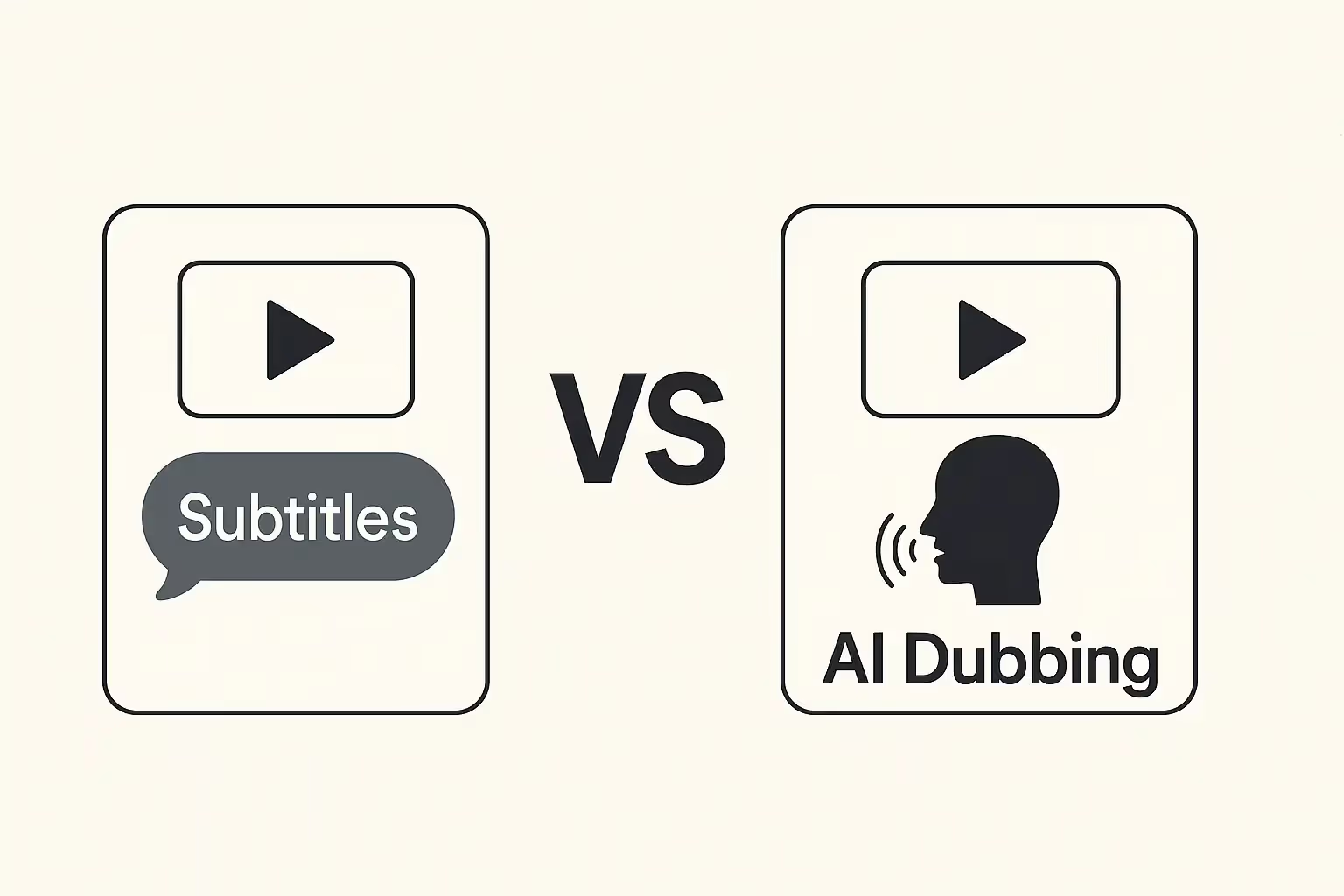
Are subtitles enough – or should you invest in full AI dubbing?
Both approaches serve a purpose, but they come with very different strengths and use cases.
In this article, we’ll explore:
What subtitles and AI dubbing each offer
The advantages and limitations of both methods
When to use which approach
And why Dubly lets you combine both – seamlessly and effectively
Subtitles display translated speech as text on screen. They can be generated automatically or edited manually and are visible while the original audio remains unchanged.
AI Dubbing, on the other hand, replaces the original audio entirely. The tool generates a new voice track in the target language – using realistic-sounding speech, proper timing, and often even lip sync for natural visual flow.
Subtitles are a popular choice because they’re:
Fast and cost-efficient
Helpful for silent viewing (e.g. in public transport)
Great for accessibility and compliance
Easy to implement with almost any platform
However, subtitles have clear limitations:
They don’t carry emotion, tone, or vocal character
Reading while watching can reduce engagement
On mobile or fast-paced content, subtitles are often missed or ignored
They don’t work well on platforms like TikTok or Instagram where sound matters
AI Dubbing, in contrast, delivers a much more immersive experience:
Viewers hear natural speech in their native language
No reading required – they stay focused on the visuals
Emotion, tone, and voice dynamics are preserved
Ideal for marketing, training, storytelling, and high-impact content
Can include lip sync for maximum realism
The challenges?
It’s slightly more complex than adding subtitles
Quality must be reviewed to ensure style and terminology match expectations
Some edge cases (e.g. overlapping speech, low-quality audio) may need manual tweaks
But with the right tool – like Dubly – these challenges become opportunities. You can edit translations, use glossaries, adjust speed, and bring in your own native speakers as reviewers for critical content.

Subtitles are great for:
Simple tutorials with little emotion
Informational videos where audio isn't essential
Content that must be compliant with accessibility standards
Dual-language viewing (e.g. for language learners)
AI Dubbing is ideal for:
Social media content like Reels or TikToks
Training videos, e-learning courses, onboarding
Marketing and branding videos where tone matters
Interviews, podcasts, webinars, and more emotional content
As a rule of thumb:
If how something is said matters as much as what is said – go with dubbing.
Results in just a few minutes
No credit card required
Best translation quality worldwide
Subtitles are practical. AI Dubbing is powerful.
There’s no one-size-fits-all. But for companies, creators, educators, and agencies looking to reach global audiences effectively, AI dubbing is the go-to.
With Dubly, you get the flexibility to adapt – and the tools to do it at scale, with real quality.
About the author

Maximilian Engler
Co-Founder | Product
Tech
Asynchronous videos look unprofessional. Learn how AI Lip Sync and Visual Dubbing perfect your translations – GDPR compliant and scalable.
Simon Pieren
Dec 23, 2025
Use Cases
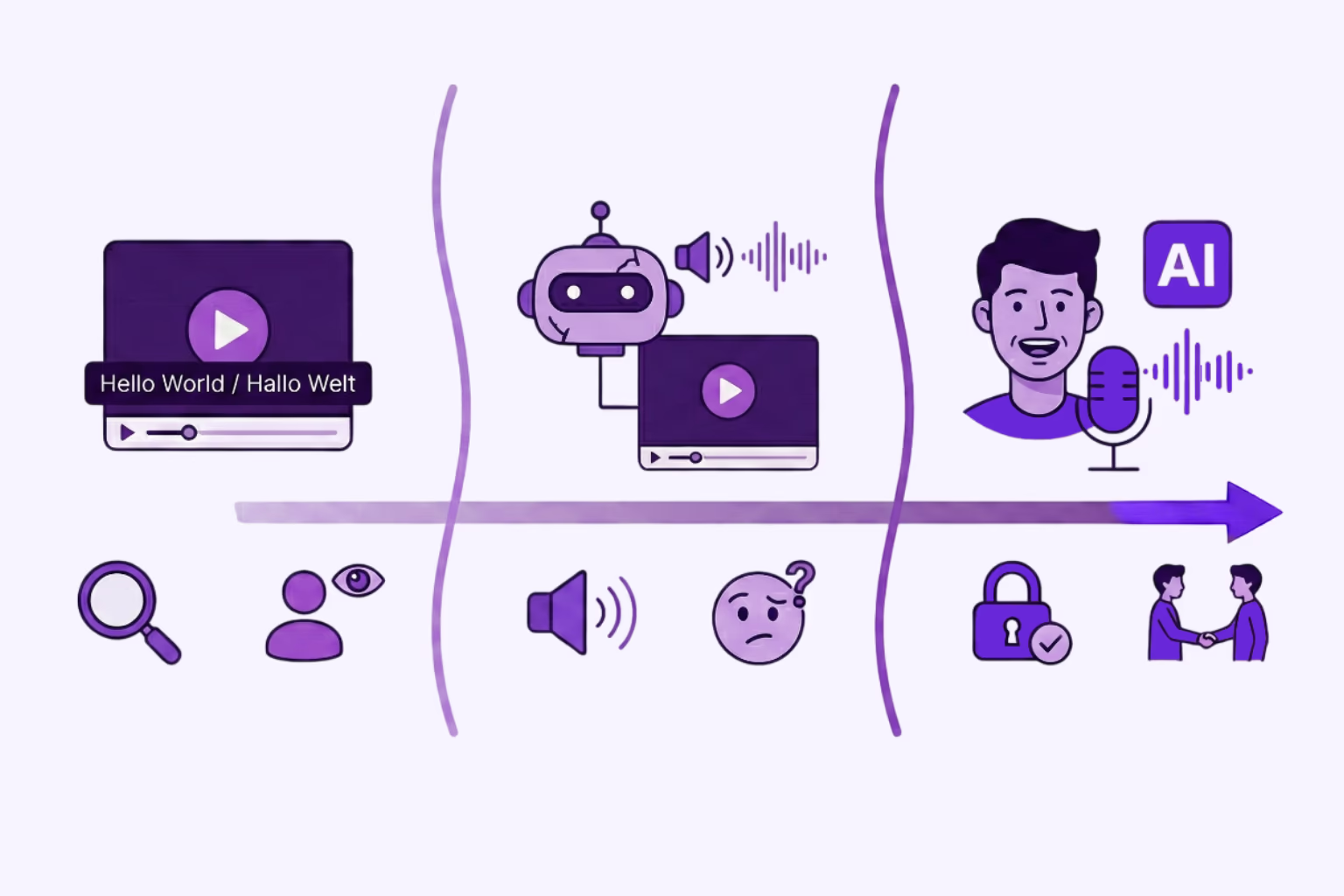
Looking for an AI video translator? We answer how to translate video free using 3 methods: Subtitles, Basic TTS, and Professional Lipsync.
Simon Pieren
Dec 8, 2025
Use Cases
Looking to "translate video free"? Learn the technical differences between standard dubbing and generative AI Lip Sync, and how to test professional quality risk-free.
Simon Pieren
Nov 28, 2025