Tech
AI Lip Sync Explained: Stop Asynchronous Lips in Video Translations
Asynchronous videos look unprofessional. Learn how AI Lip Sync and Visual Dubbing perfect your translations – GDPR compliant and scalable.

Simon Pieren
Dec 23, 2025
Full Data Sovereignty
Personal point of contact
Highest Quality Lip Sync
Trusted by 1,200+ Companies
Use Cases
September 19, 2025
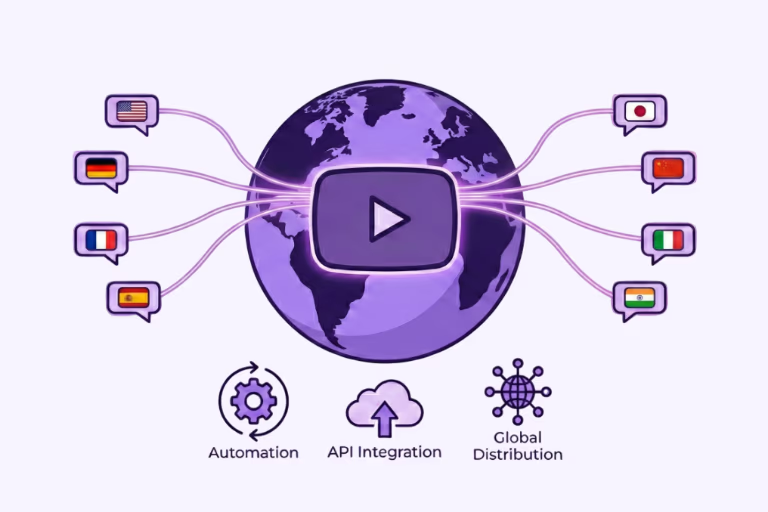
You have hundreds of videos on your YouTube channel, but 95% of your potential audience doesn't understand your language? That’s the classic "scaling problem." YouTube is a global platform, but without localization, your content remains trapped in its local market.
Perhaps you've heard of YouTube's "Multi-Language Audio" feature or tried some initial experiments. But the crucial question for companies and professional creators is: Can I translate my entire YouTube channel automatically – without touching every single video?
The short answer: Yes. But not with standard tools. The professional answer: You need an API strategy that combines bulk processing, lip sync, and data privacy. In this guide, I will show you step-by-step how to transform your channel from a "local player" to a "global broadcaster" – technically clean and efficient.
For a long time, video translation was a luxury for Hollywood. According to industry standards like the VDS Fee Compass (Source: VDS), manual synchronization often starts at around €150 per minute. For a YouTube channel with 50 hours of content, that is unaffordable.
Today, AI flips this business case:
Results in just a few minutes
No credit card required
Best translation quality worldwide
The biggest mistake marketing teams make: They try to translate 200 videos manually using basic AI tools. The result? Chaos with subtitles, missing lip sync, and unsecured data on US servers.
For true scaling ("Bulk Translation"), you need a workflow that processes video data automatically. This is exactly where the Dubly API comes in.
Why "normal" agencies or manual uploads fail with large channels:
| Comparison Factor | Manual Agencies / Uploads | Dubly.AI API |
|---|---|---|
| Speed (Time-to-Market) | Weeks to months of waiting time for 50+ videos | Hours: Fully automated bulk processing overnight |
| Scalability | Manual bottleneck (emails, approvals) | Unlimited via REST API & Integrations |
| Sync & Quality | Often asynchronous or extremely expensive studio dubbing | Automated Lip Sync ("Visual Dubbing") as standard |
| Data Privacy (GDPR) | Unclear data flows (often via WeTransfer/Dropbox) | 100% GDPR-compliant, ISO 27001 (in prep.), EU Servers |
Here is the professional workflow to internationalize an existing channel.
Before we translate, we need the data. Using the YouTube Data API v3 (in the Google Cloud Console), you can:
Now you connect your video database to the Dubly API. This is where the magic happens that simple tools cannot provide. You configure per batch:
Tip: If you are looking for more details on our technical capabilities you can message us through our website chat or via hello@dubly.ai
Other tools often only provide basic audio dubbing ("Voice Over"). Dubly combines enterprise-grade functionality with the highest precision – exactly what leading brands like BMW, BILD, LIDL, Squat University, and Marius Quast already rely on to make their content available worldwide. (Read our Case Studies)
Your benefits at a glance:
For sensitive content, invite a native speaker as an external reviewer to check the quality in the editor — it uses no seat. After that, you upload the translated video or audio files via the YouTube API – ideally directly as a "Multi-Language Audio" track to your original video.
Yes, you can automatically translate your YouTube channel. But the path is not through manual uploads, but through a clean API integration. With the combination of the YouTube API and Dubly.AI, you make your content globally available – GDPR-compliant, cost-efficient, and with perfect lip sync.
About the author

Maximilian Engler
Co-Founder | Product
Tech
Asynchronous videos look unprofessional. Learn how AI Lip Sync and Visual Dubbing perfect your translations – GDPR compliant and scalable.
Simon Pieren
Dec 23, 2025
Use Cases
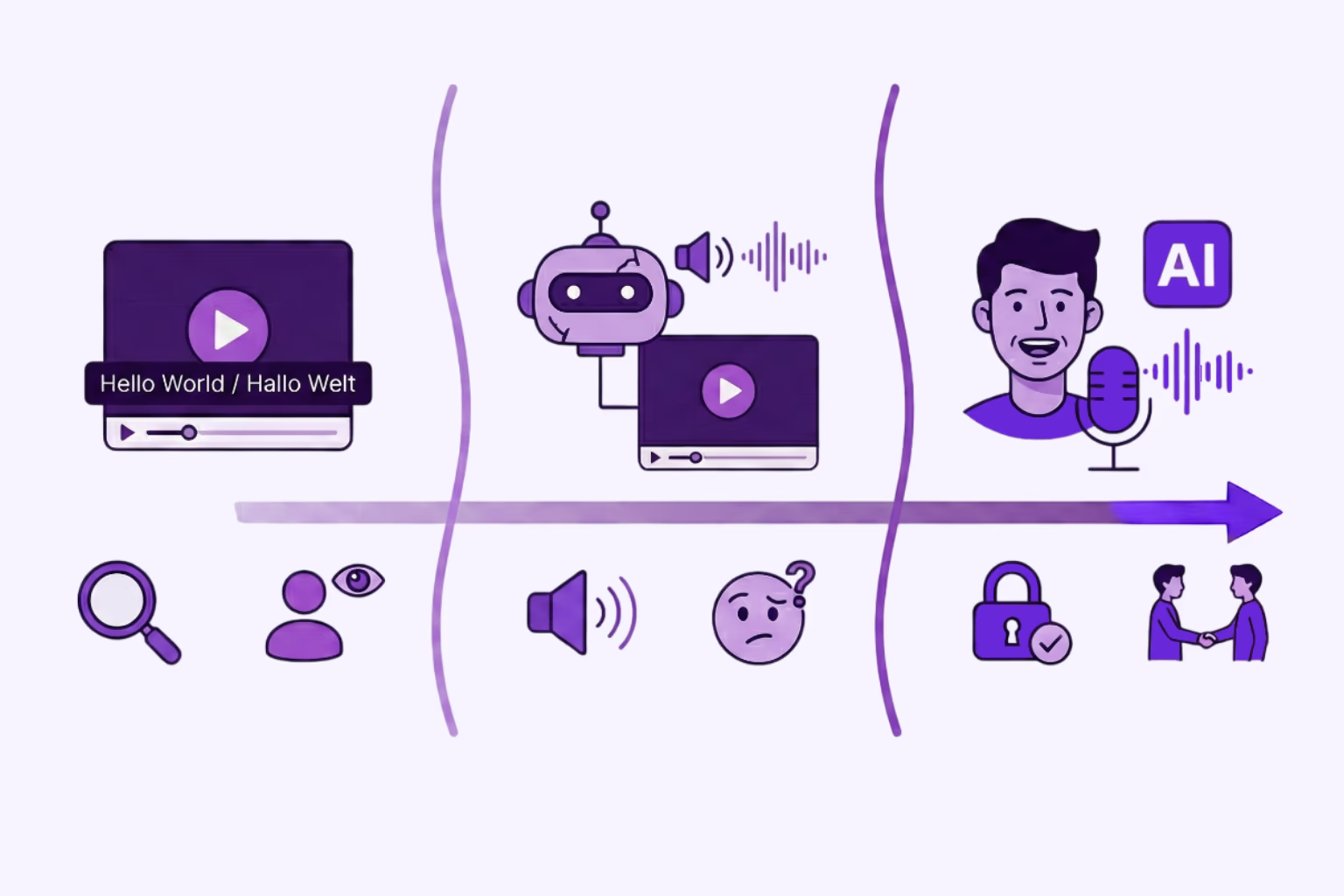
Looking for an AI video translator? We answer how to translate video free using 3 methods: Subtitles, Basic TTS, and Professional Lipsync.
Simon Pieren
Dec 8, 2025
Use Cases
Looking to "translate video free"? Learn the technical differences between standard dubbing and generative AI Lip Sync, and how to test professional quality risk-free.
Simon Pieren
Nov 28, 2025