Tech
AI Lip Sync Explained: Stop Asynchronous Lips in Video Translations
Asynchronous videos look unprofessional. Learn how AI Lip Sync and Visual Dubbing perfect your translations – GDPR compliant and scalable.

Simon Pieren
Dec 23, 2025
Full Data Sovereignty
Personal point of contact
Highest Quality Lip Sync
Trusted by 1,200+ Companies
Use Cases
September 12, 2025
As a professional video producer or creative agency, you live and breathe quality. Every frame matters. Every voiceover needs to hit the right tone. Every edit needs to be pixel-perfect.
But as soon as clients ask for multilingual versions — reality kicks in.
Traditional dubbing means casting voice actors, renting studios, syncing audio, re-exporting videos…
→ A massive time and cost burden, especially at scale.
Most “AI dubbing” tools claim to solve that — but end up compromising on quality: robotic voices, compressed video exports, poor lip sync, no editorial control.
Dubly is different.
It’s designed from the ground up to meet professional production standards, without compromise.
In high-end video production, minor flaws become major distractions. If the voice is misaligned, if the audio sounds artificial, or the resolution drops in post — the whole experience breaks.
That’s why Dubly was built with production realities in mind.
Ultra-realistic AI voices with natural intonation and expressive delivery
Clean audio mix: noise reduction, normalization, compression
Speaker-by-speaker control in multi-voice videos
Optional voice cloning for using the original speaker’s voice in other languages
Separate audio files for custom postproduction workflows
Frame-level lip sync precision
Looks perfect even in close-up shots
Matches original facial expressions
Output in original video resolution – no degradation
On request: export in ProRes HQ, ready for color grading or VFX
Optional: disable lip sync for voiceover-only projects
Dubly doesn’t replace your workflow — it fits into it.
Standard outputs: MP4 (video), WAV (audio), SRT (subtitles)
Pro formats available: ProRes, separate audio tracks, JSON metadata
Original video resolution and frame rate preserved
Audio-only export available for your editing timeline
Review and edit translations before dubbing
Use custom glossaries to lock brand/product terminology
Add style and tone prompts to shape delivery
Optional reviewer access for your own native speakers for premium markets or sensitive messaging
Translate videos using AI voices — or with the **original speaker’s cloned voice
**
Submit videos automatically
Track status, receive translated files via webhook
Perfect for agencies with high volume or recurring formats
Integrate into CMS, MAM, or client platforms

A creative agency manages weekly campaign videos for a global retailer — 20 videos per week, needing to be translated into 15 languages within tight turnaround windows.
Before Dubly:
3–4 language versions done manually (expensive & slow)
Quality varied, clients often had to compromise
No lip sync – just subtitles or simple voiceovers
With Dubly:
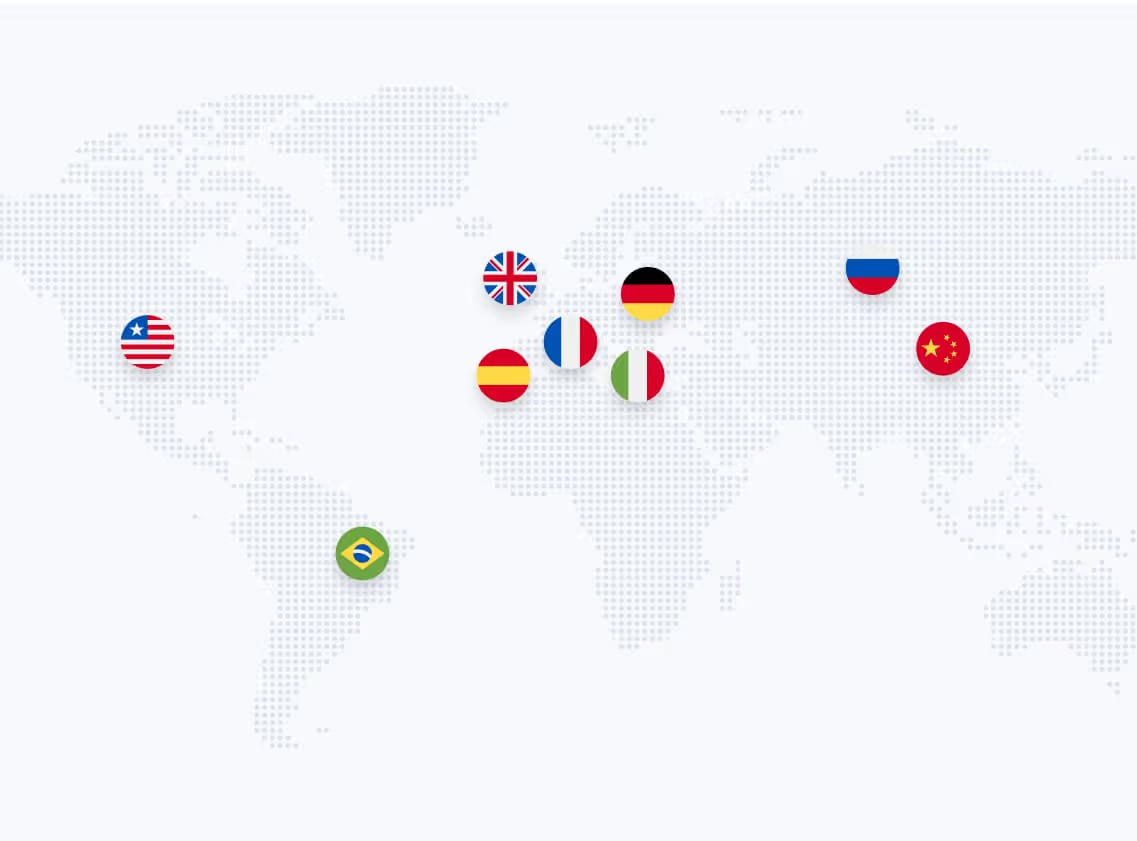
All 15 languages covered
Lip sync enabled for video-first platforms
Translations routed automatically via API
Edits and tone control handled by internal team with Dubly UI
Final delivery as ProRes + separate audio for platform-specific publishing
Results:
Over 100 localized videos per month
80% faster production
50% cost reduction
Studio-quality, on-brand, global-ready video
Results in just a few minutes
No credit card required
Best translation quality worldwide
If you produce content that needs to look great, sound real, and scale globally — without building an in-house dubbing department — Dubly is your solution.
Creative teams love it because it respects their work.
Clients love it because it sounds natural and professional.
And your operations team will love it because it just works — even at scale.
About the author

Maximilian Engler
Co-Founder | Product
Tech
Asynchronous videos look unprofessional. Learn how AI Lip Sync and Visual Dubbing perfect your translations – GDPR compliant and scalable.
Simon Pieren
Dec 23, 2025
Use Cases
Looking for an AI video translator? We answer how to translate video free using 3 methods: Subtitles, Basic TTS, and Professional Lipsync.
Simon Pieren
Dec 8, 2025
Use Cases
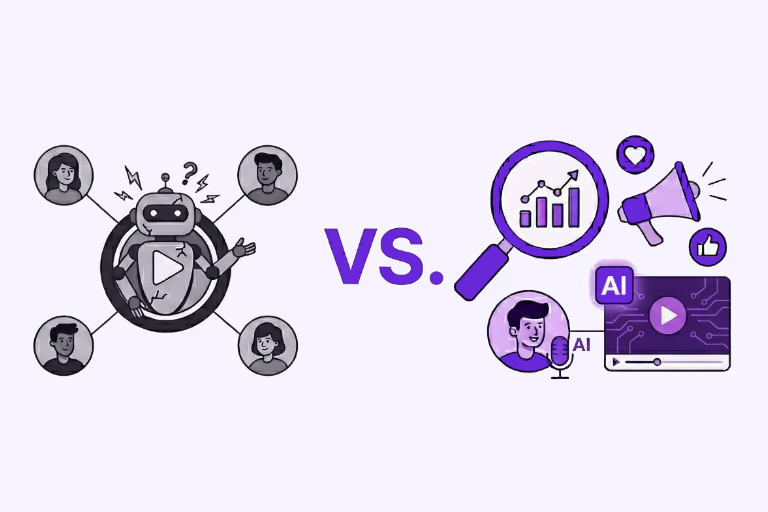
Looking to "translate video free"? Learn the technical differences between standard dubbing and generative AI Lip Sync, and how to test professional quality risk-free.
Simon Pieren
Nov 28, 2025